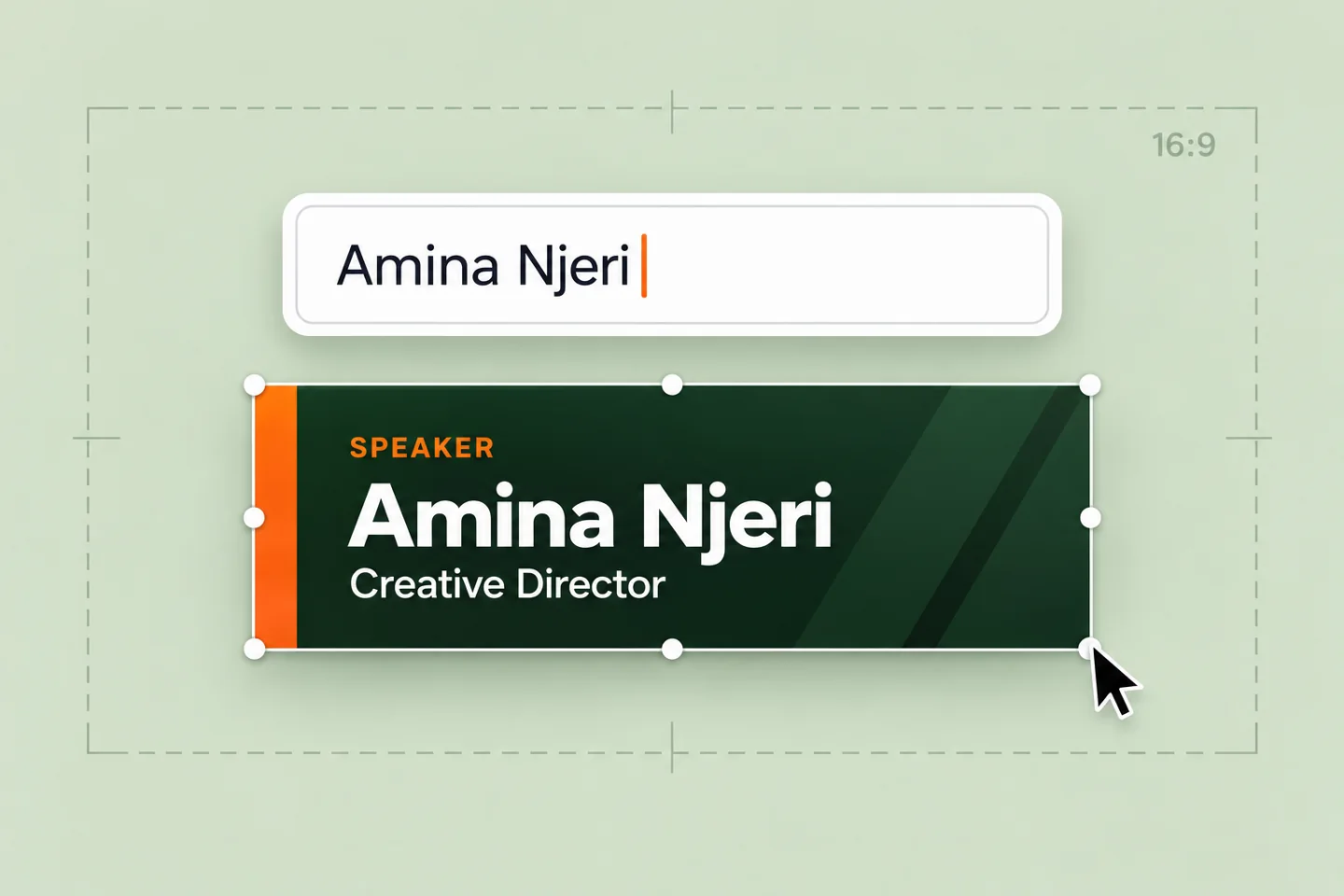
Edit lower third text in real time.
A speaker changes. A title needs correcting. An announcement arrives late. Update the text directly in the studio and see the preview respond as you type.
Try live editing ↗ Overlayby LMNOpen the studio ↗
Edit lower thirds, preview ticker designs and customize broadcast branding. Explore the overlay studio and AI assistance for turning documents and notes into headlines, supporting text and ticker messages.
A speaker changes. A title needs correcting. An announcement arrives late. Update the text directly in the studio and see the preview respond as you type.
Try live editing ↗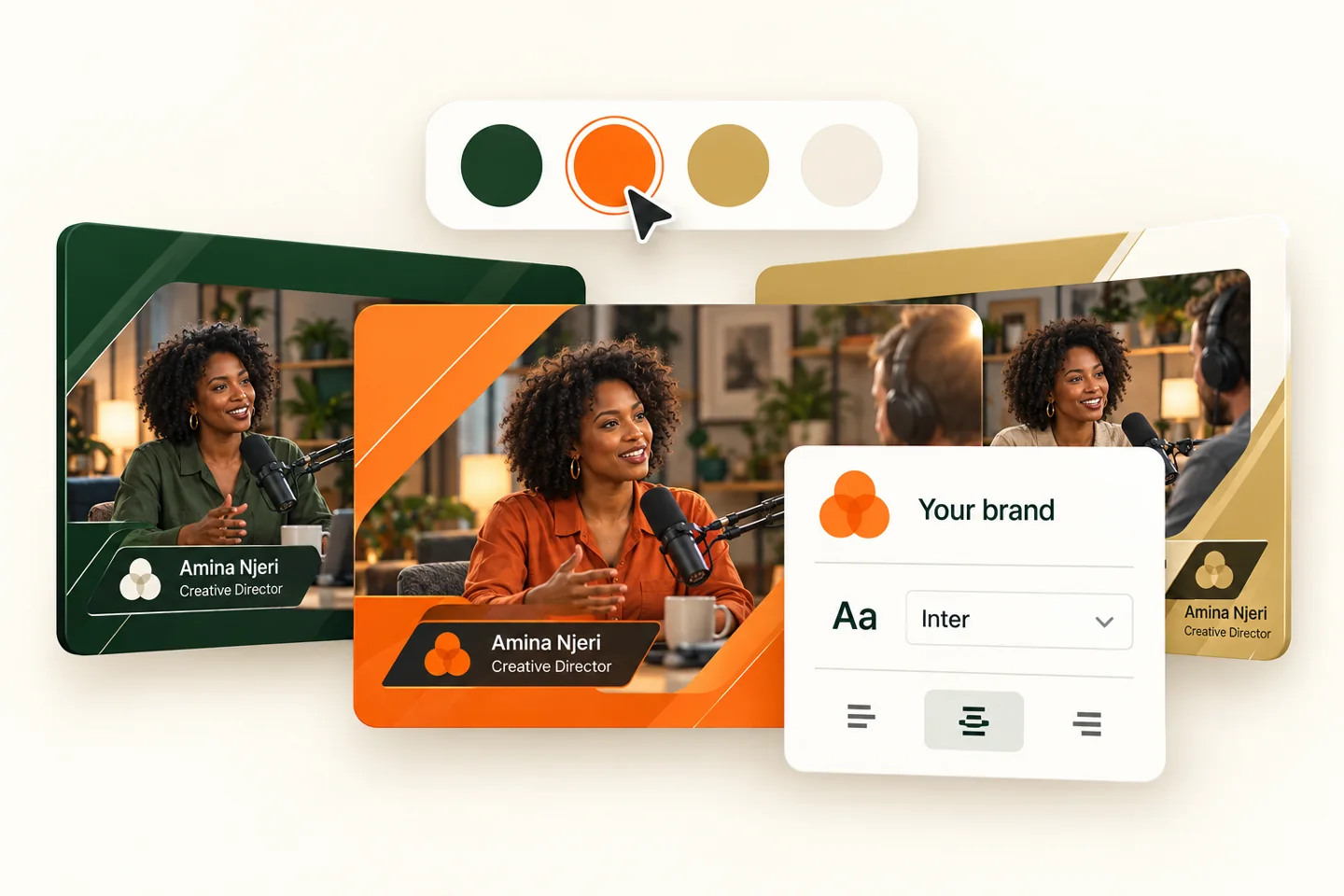
Choose from six styles, including Signature, Editorial and Prism. Adjust your accent colour, speaker name, organisation and label without opening a design application.
Explore the designs ↗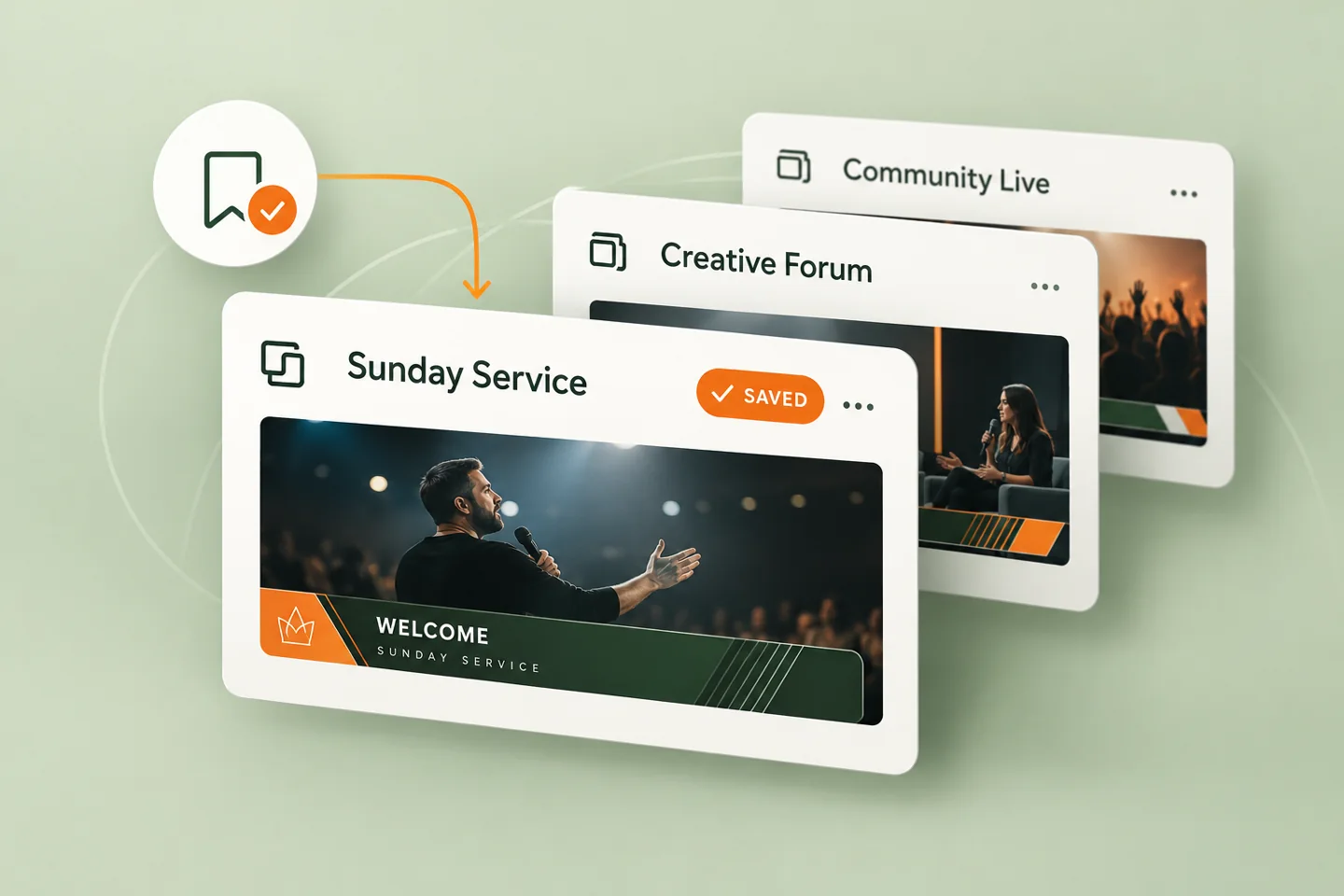
Save your chosen design, colours and text in this browser. Return to a familiar starting point for your next production.
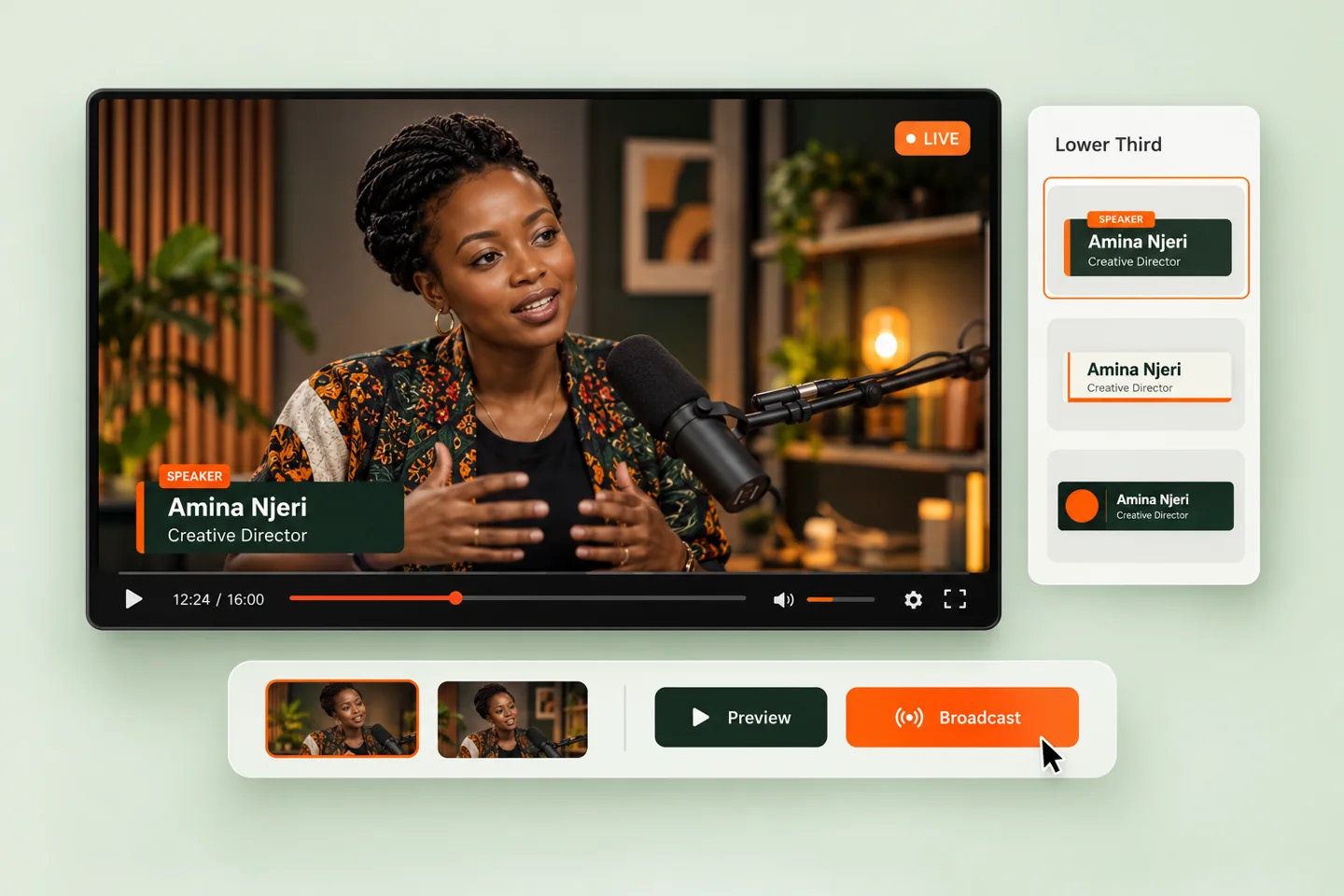
Check names and visual hierarchy on a broadcast-style stage. The Take live control reveals the graphic in a separate transparent output tab within the same browser.
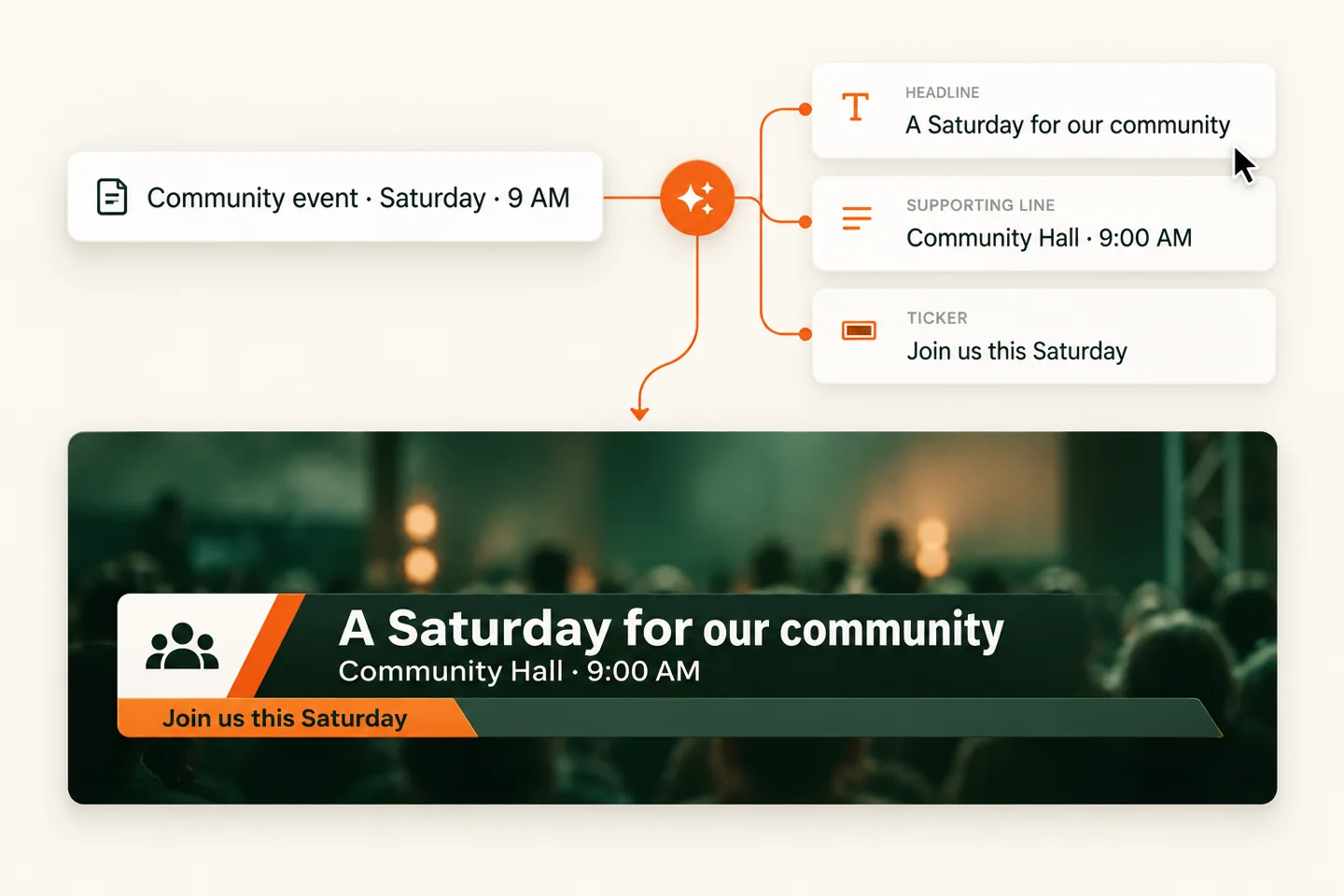
Turn documents and notes into suggestions for headlines, subtitles, descriptions and ticker messages. Review the wording before putting it on screen.
Explore document import & AI writing ↗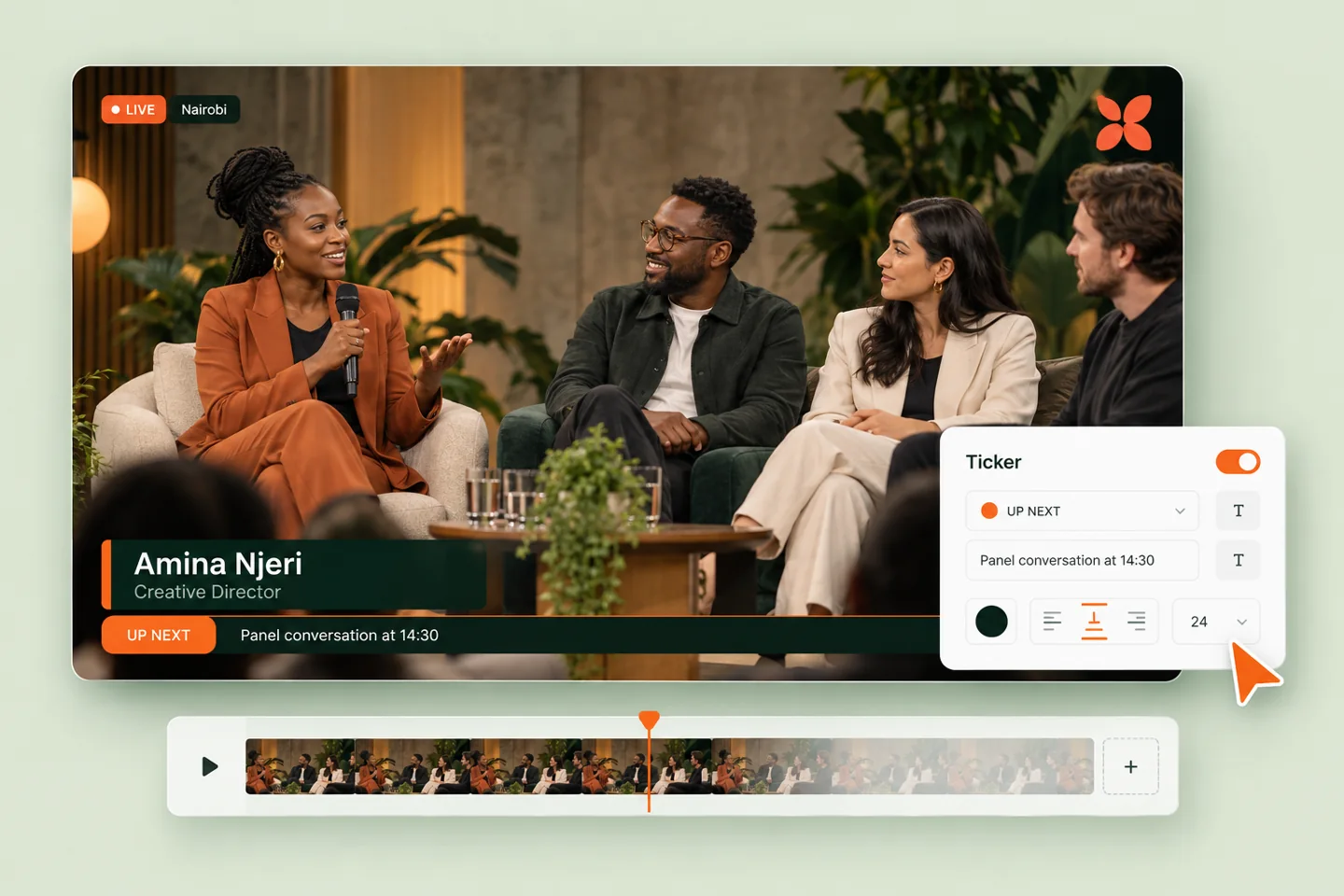
Explore distinct broadcast packages with integrated tickers, corner logos and LIVE/location indicators. Adjust the message and see the concept respond.
Try the ticker package controls ↗Tickers, your logo, and live context—working together. Try this interactive design concept.
 YOUR LOGO
Signature · A unified panel with an inset brand mark.
PNG, JPG or WebP · Up to 5 MBStart with a programme, notice, photo or a few notes. AI assistance helps you prepare the words for your broadcast—from a clear headline and supporting line to a concise ticker message. Review the suggestions, make them yours, and decide what goes on screen.
What does OCR mean? Optical Character Recognition: technology that reads words from an image and converts them into editable text. It’s the text-reading step—not the same thing as AI writing a summary.
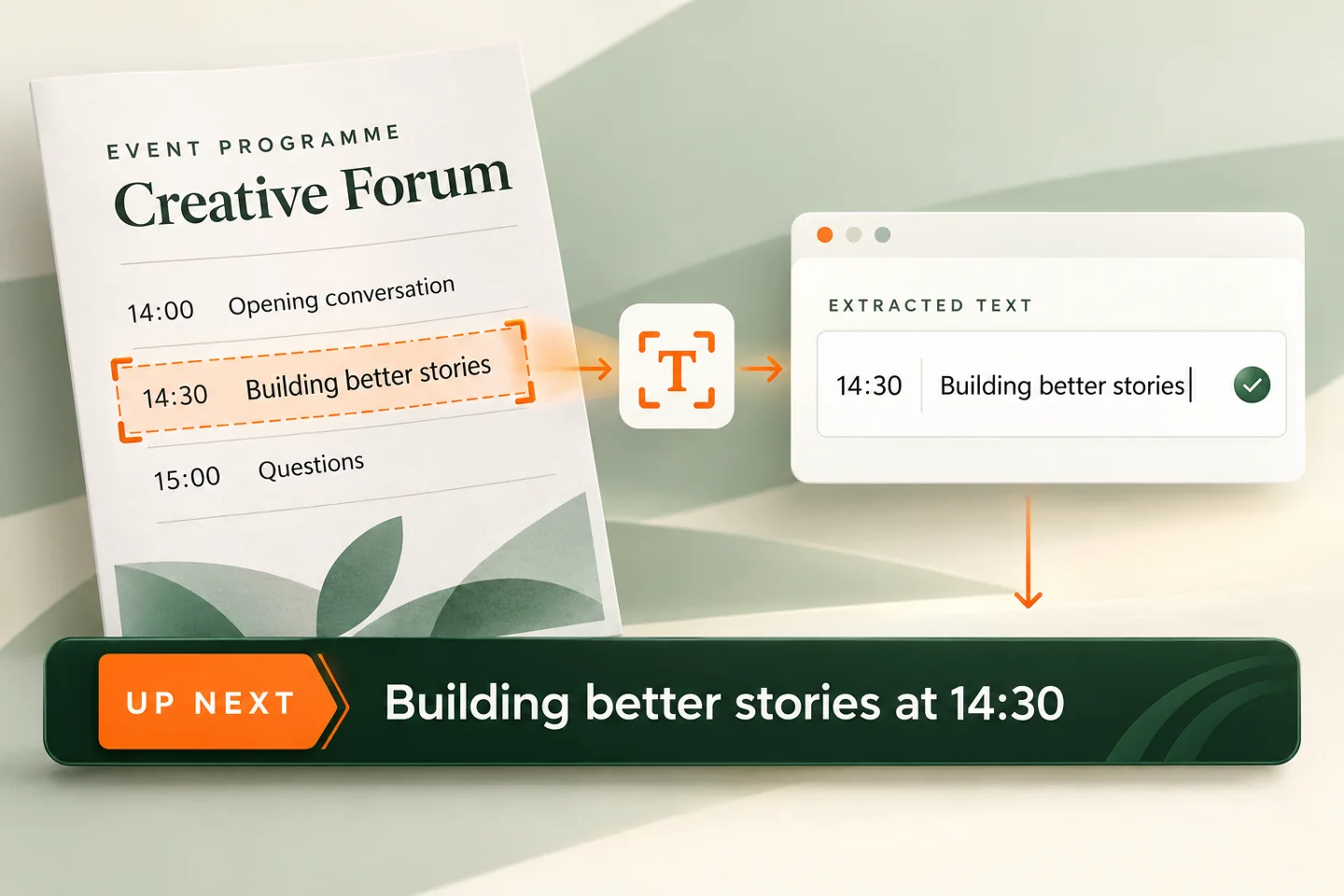
Use a programme, schedule, notice or tribute—or start with your own text.
Extract the words from a document, then get suggestions for a headline, subtitle, description and ticker. Choose the wording that fits your broadcast.
Check names, dates and times. Nothing goes on air automatically.
Community food drive this Saturday at the hall, 9am. Bring dry food donations.
For churches, event crews, creators and broadcasters who need professional lower thirds and flexible graphics without a dedicated graphics operator.